Applying the Digital Paint,

Salford 6th February 2018

This is a photography post with a bit of a difference.

I mean – what do i do with a pic after i’ve taken it ?

With my new Nikon Camera (i use that term very loosely) I can already adapt a photograph thanks to the imaging tools on the camera

OK if i just want to switch the image from Colour to Black and White, and add a bit of Sepia, but what about an artistic angle ?

Here’s an original photo of the Fort at Albufeira in the Algarve, taken with my Sony DSC H-300 Bridge Camera

DSC00404.JPG

It looks good enough – i particularly like the anchor 🙂 but with a few tweeks using my Art Programs i get some lovely effects. This photo was edited with the latest edition of Corel painter essentials, but I also have a copy of adobes photoshop essentials to hand, should I want to create any layered effects.
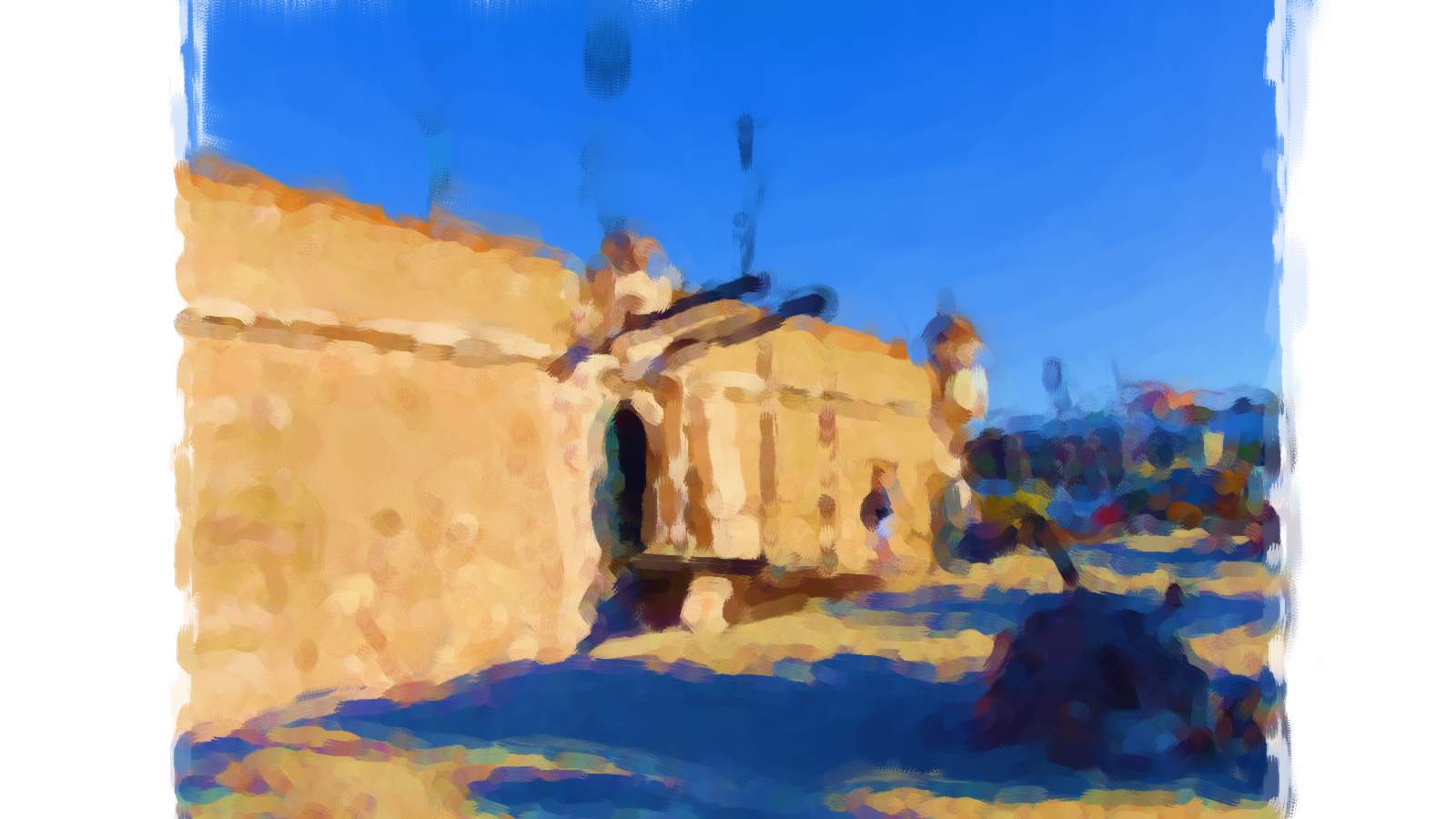
402a

Here’s the same photograph using an oil effect – very impressionist……

402b

Here’s the photo using what Corel call a “Coloured Pencil” Effect

402c

and here’s one using a “Modern” paint effect

They’re all a bit abstract in their way but they produced some great artwork!

Responses

  1. Cheers for taking a look L.A!

    Like

  2. We are working on this kind of subject, too. What you used for, to create the impression of hand painted art, is actually out dated and a set of graphic operations known as filters. We focus in special on the next step: results that made been possible by image analysis and artificial intelligence, but it’s still unpublished and in progress.

    Liked by 1 person

    1. With respect fotoroto – i think you’d best pass that information over to Corel and Adobe – for its their toolboxes i’m using to create the art….i cant use tools that aren’t in existance

      Like

      1. Thank you Inkdrop, that’s a good suggestion. Actually Adobe is noticed and mentioned tools already exist. Unfortunately not in their toolboxes, but you might like to see https://prisma-ai.com/

        Like

Leave a comment

This site uses Akismet to reduce spam. Learn how your comment data is processed.

From the blog

About the author

Inkdrop is freelance writer with a passion for exploring the intersections between nature, architecture, and artistic expression. With a background in computing, and writing – his pen name harks back to when he played around with rhymes and a fountain pen. Now joined by a selection of created photos from an acquired DSLR camera He shares insights with scribblers of all backgrounds. Outside of visiting museums and exploring the latest in exhibits , he enjoys walking through the countryside in pursuit of the next rainbow.